
 Motion Messenger
Rig a character in minutes, not days
Body and face, rigged automatically on your own mesh and ready for Unreal Engine, Unity and Maya. Try it on your character free.
Products
One account for everything you need to get a character moving in your game.
Rig it free. Pay only when you love it.
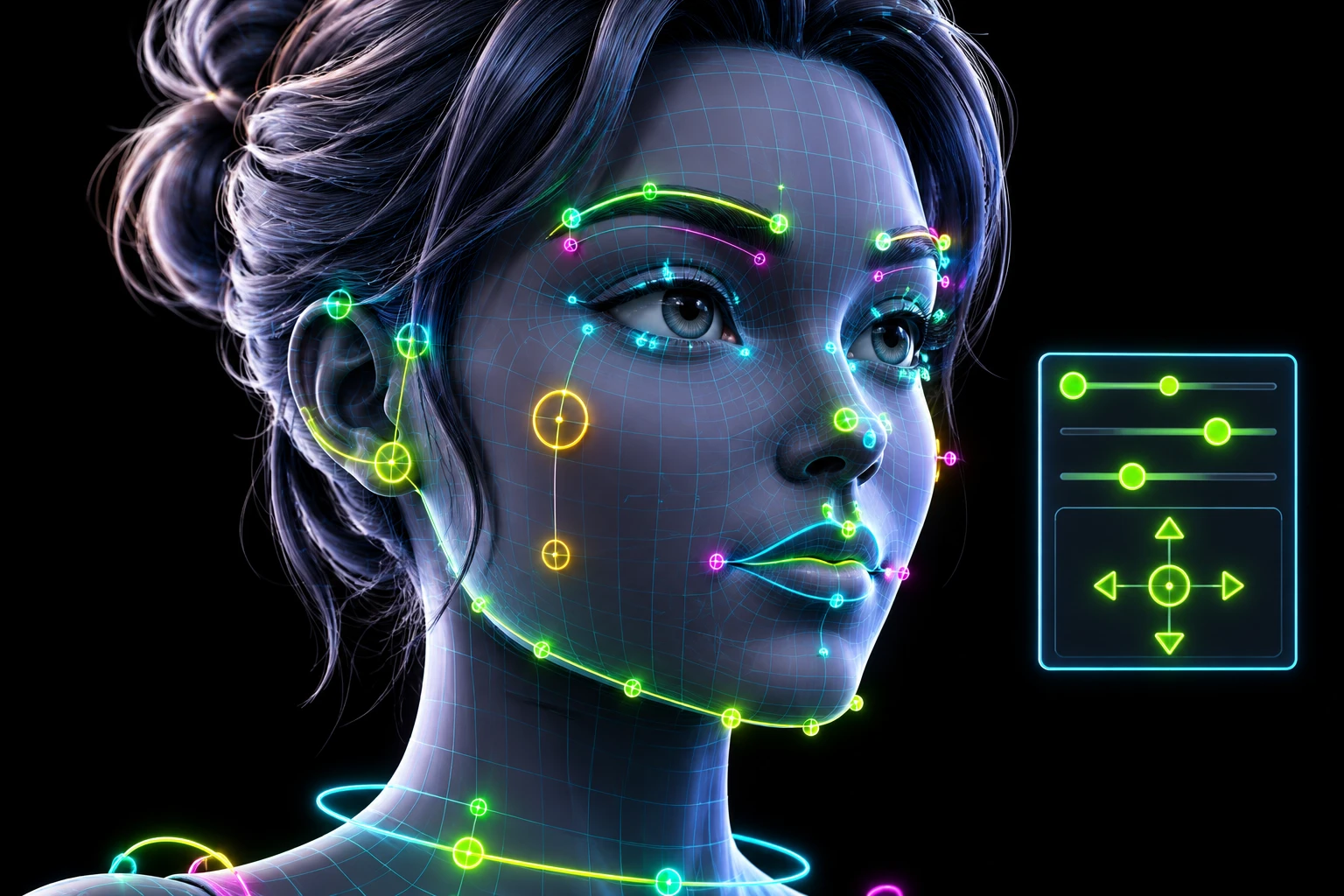
Create an account and rig your own character right now. Inspect the body rig in 3D and take a free half-character FBX into your engine. Build the facial rig and try every control in your browser. You only spend a credit when you download the full files.
- Free 3D previewSee the full body rig in your browser before you pay.
- Free half-character FBXTest the rig in Unreal Engine or Unity first.
- Free facial previewSmile, blink, open the jaw: every control, live on your character.
- Free re-rigs, foreverRebuild the same character as often as you like.
Production-ready rigs from a single upload
Rigging a character by hand takes days of joint placement, weight painting and shape sculpting. Motion Messenger does it from a single upload, and lets you test the result before you pay a cent.
Body and face, one account
Rig the skeleton and the face of the same character in one place, with one login and one bill.
Built on your own mesh
Your topology, UVs and proportions stay exactly as you made them. No retopology, no base-mesh swap.
Test everything first
A 3D preview, a free half-character FBX and every facial control in your browser, before you pay.
Engine-ready output
UE5 Mannequin skeletons and ARKit blendshapes: the standards Unreal Engine, Unity and Live Link Face already use.
Minutes, not weeks
Bodies rig in minutes; faces build in 10–15 minutes. No weight painting, no shape sculpting.
Not AI guesswork
A deterministic, geometry-driven pipeline: the same mesh gives the same rig, every time.
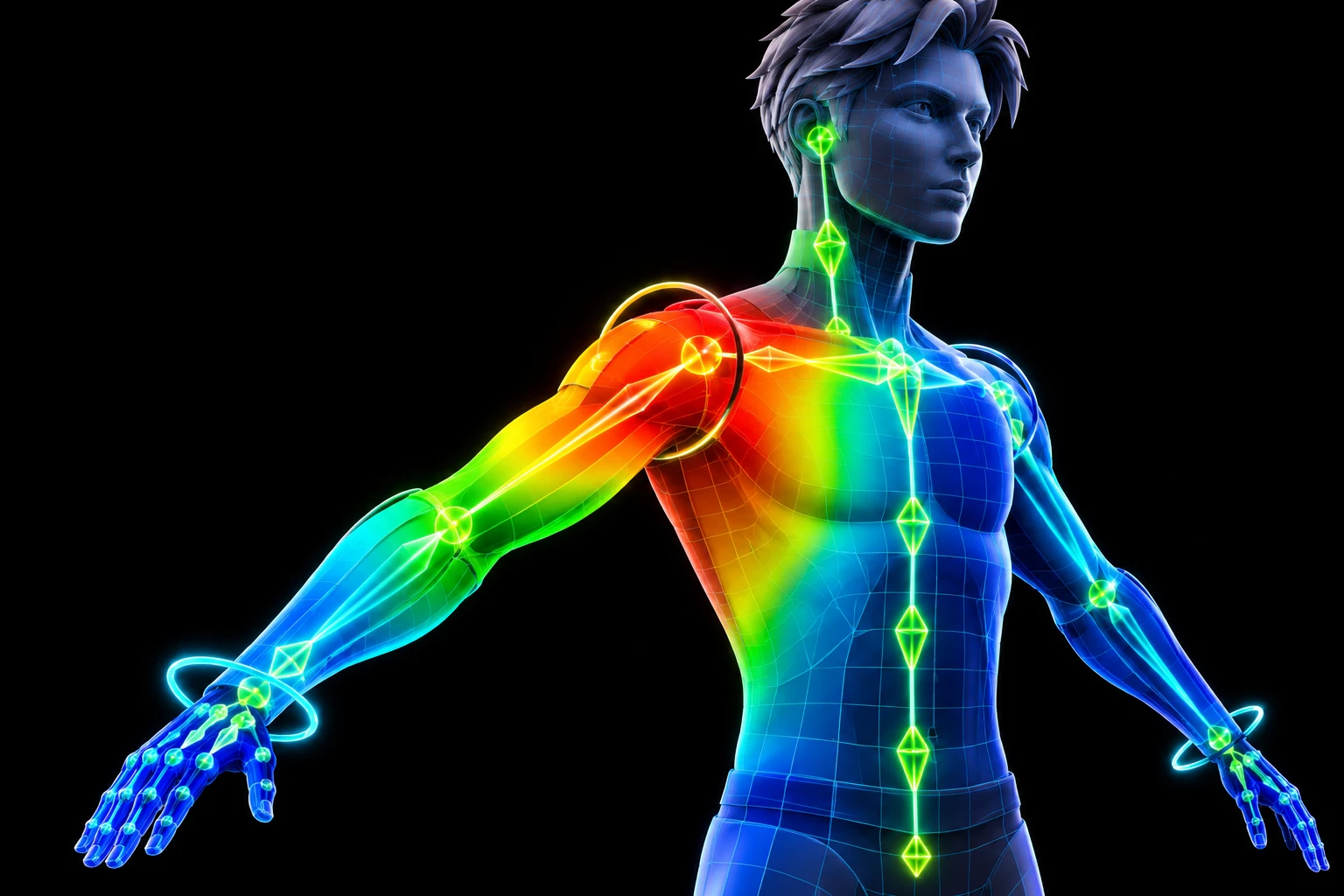
Upload a mesh. Get a skeleton back.
No joint placement and no weight painting. The rig comes back skinned and named the way your engine expects.
- UE5 Mannequin bone layout
- Body and finger joints placed automatically
- Automatic skin weights
- FBX for Unreal Engine and Unity
From static model to playable character
Upload
Drop in an .obj humanoid in T-pose or A-pose.
Rig
Joints are placed, the skeleton is built and the mesh is skinned.
Check
Inspect the result in the 3D preview in your portal.
Download
Get the FBX for Unreal Engine or Unity and press Play.
Built for the engines and tools you use
Exported for Unreal Engine and Unity, and opens in any tool that imports FBX.
Logos are trademarks of their owners and indicate file compatibility only.
Pay per character
Buy credits and use one per new character. Re-rigs are free, and failed rigs refund the credit.
Starter Pack · 3 characters
Try it on a few characters.
$7 per character
Valid for 60 days from payment
- 3 Body Rigging credits
- FBX for Unreal Engine and Unity
- Free re-rigs of the same character
- Credit back if rigging fails
Creator Pack · 10 characters
For a game or a small cast of characters.
$3 per character · save $40
Valid for 90 days from payment
- 10 Body Rigging credits
- FBX for Unreal Engine and Unity
- Free re-rigs of the same character
- Credit back if rigging fails
Studio Pack · 50 characters
For larger rosters and production batches.
$1.98 per character · save $251
Valid for 120 days from payment
- 50 Body Rigging credits
- FBX for Unreal Engine and Unity
- Free re-rigs of the same character
- Credit back if rigging fails
Rig your first character free
Create an account and try it on your own mesh. No card needed.